The secure home for your crypto.
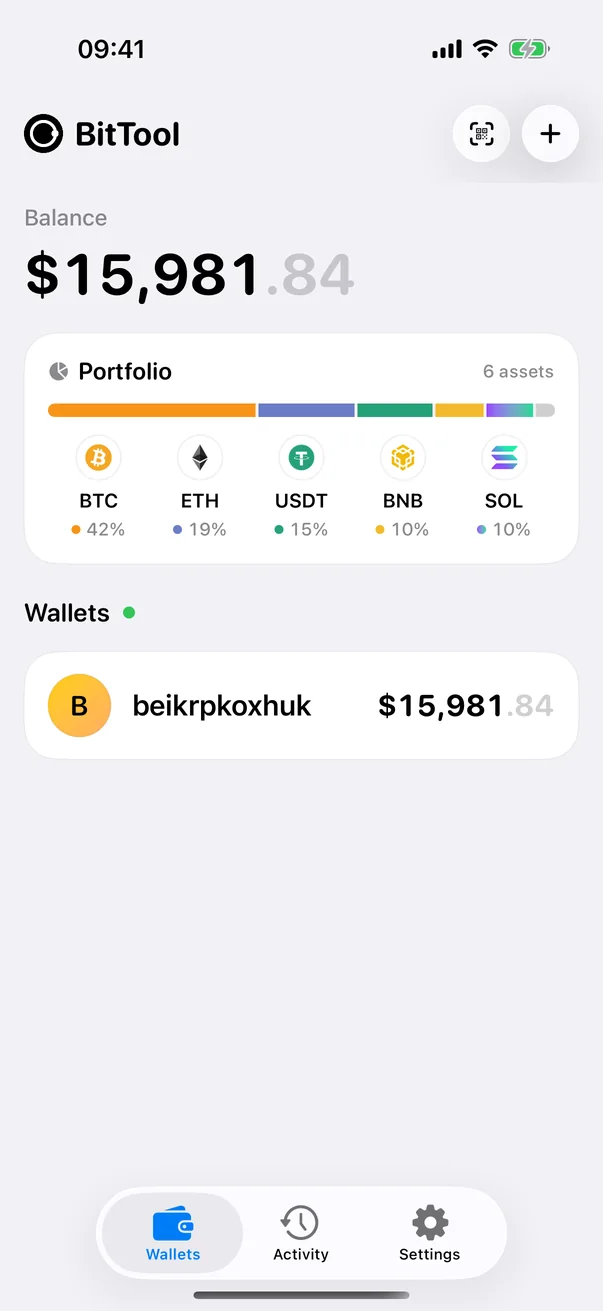
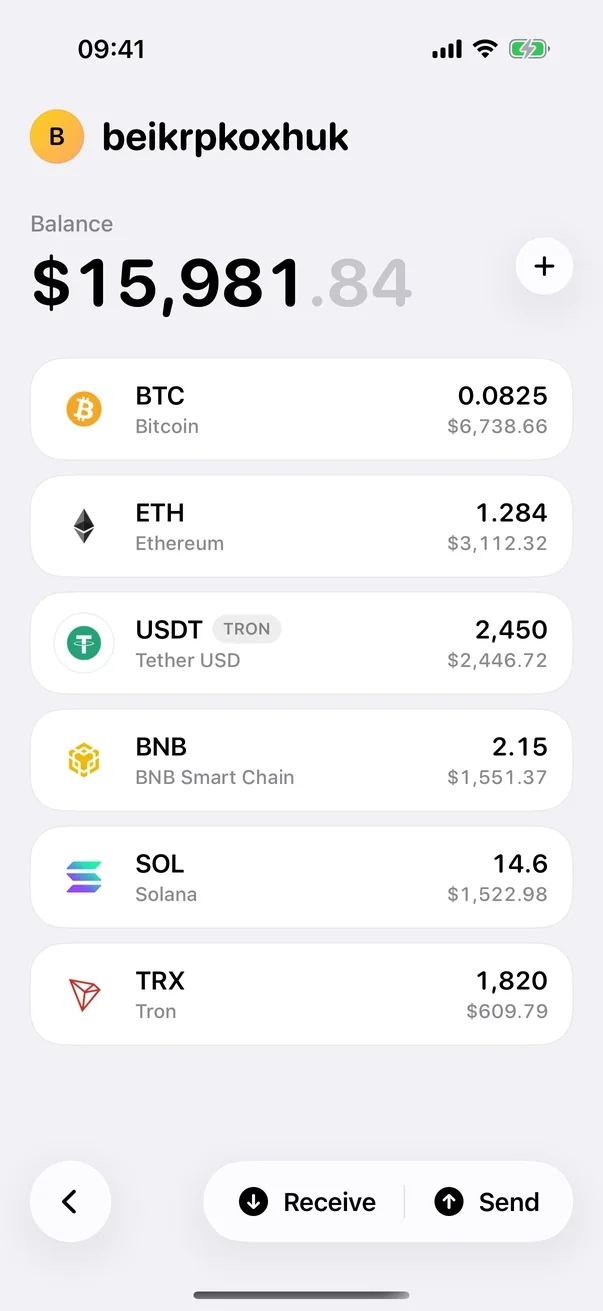
A non-custodial wallet for Bitcoin, Ethereum, BNB Chain, Arbitrum, Base, TRON and Solana. Your keys are encrypted on your phone, protected by Face ID or fingerprint — and only you can use them.
 Bitcoin
 Ethereum
 BNB Chain
 Arbitrum
 Base
Base
 TRON
TRON
 Solana
Everything you need. Nothing you don't.
BitTool Wallet focuses on doing the essentials well — and doing them safely.
Send & receive
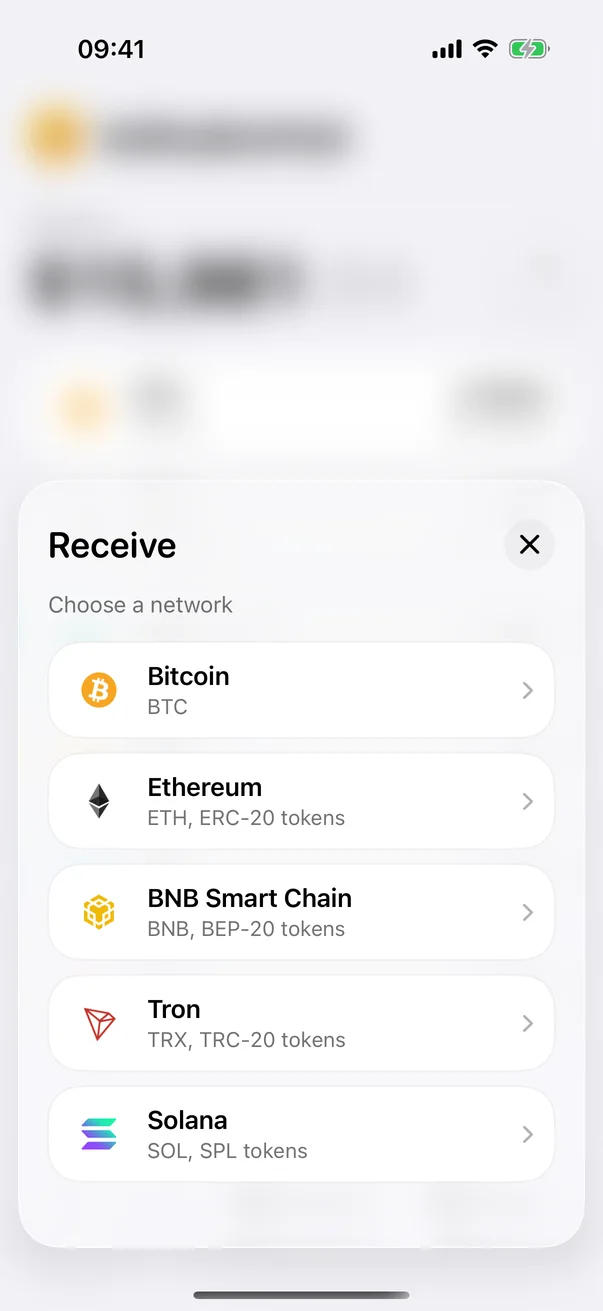
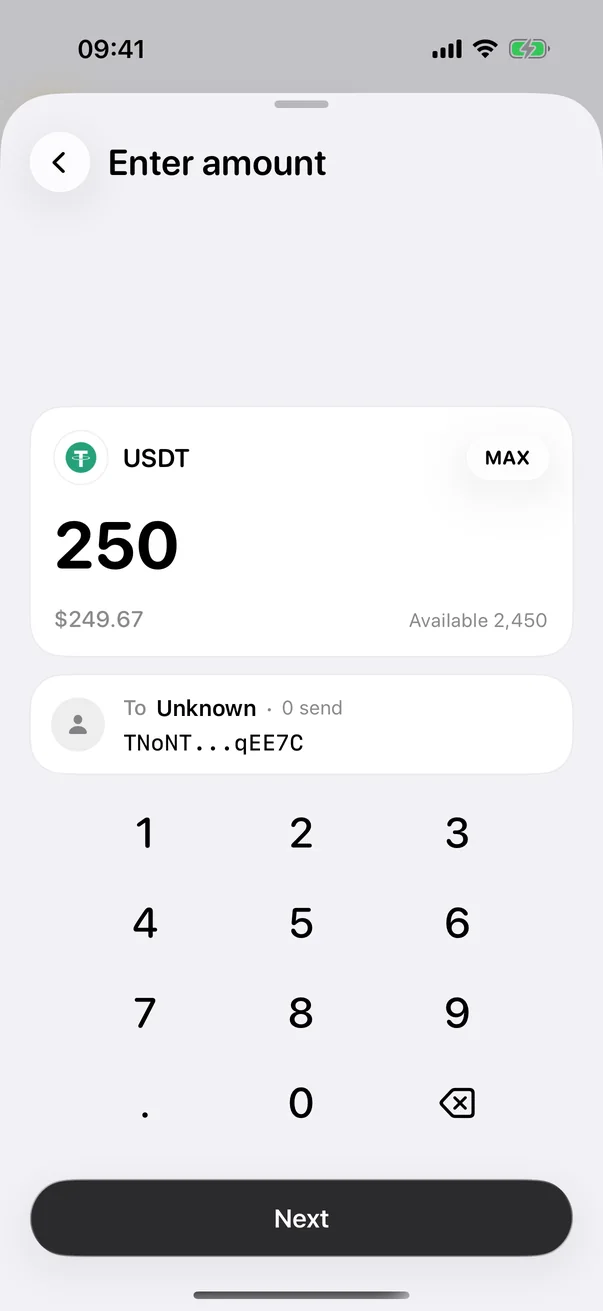
Scan or paste addresses with built-in validation, and share your receiving address as a QR code.
Seven networks
Bitcoin, Ethereum, BNB Chain, Arbitrum, Base, TRON and Solana — plus tokens such as USDT and USDC.
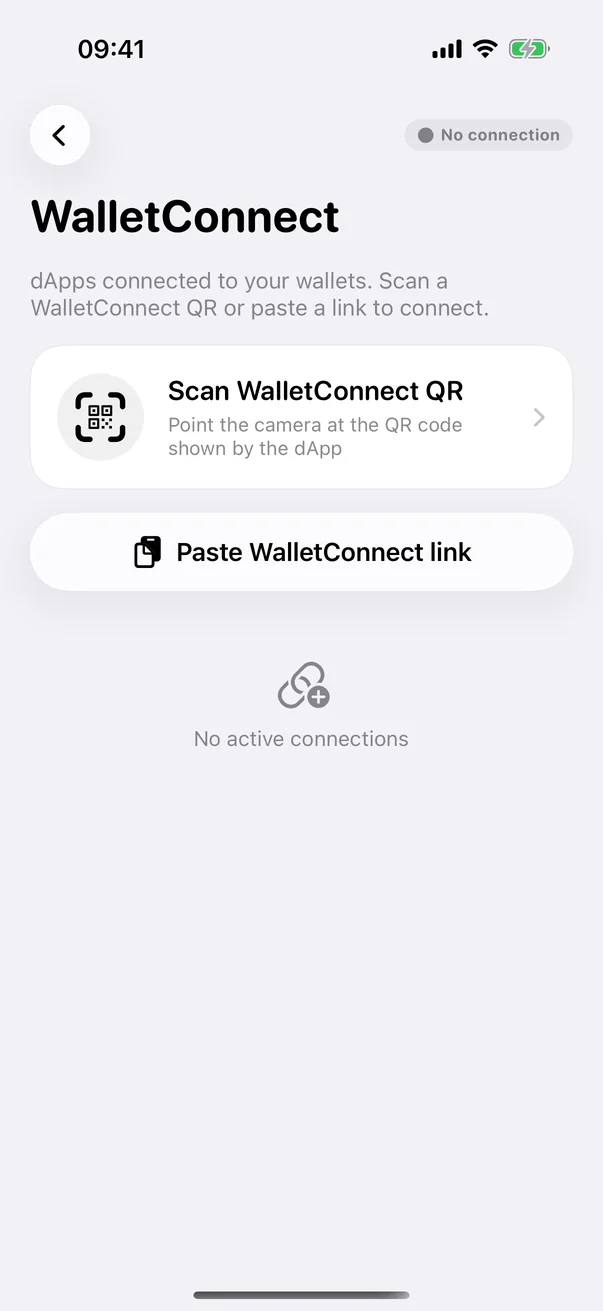
WalletConnect
Connect to dApps and review every request before you approve it.
Biometric protection
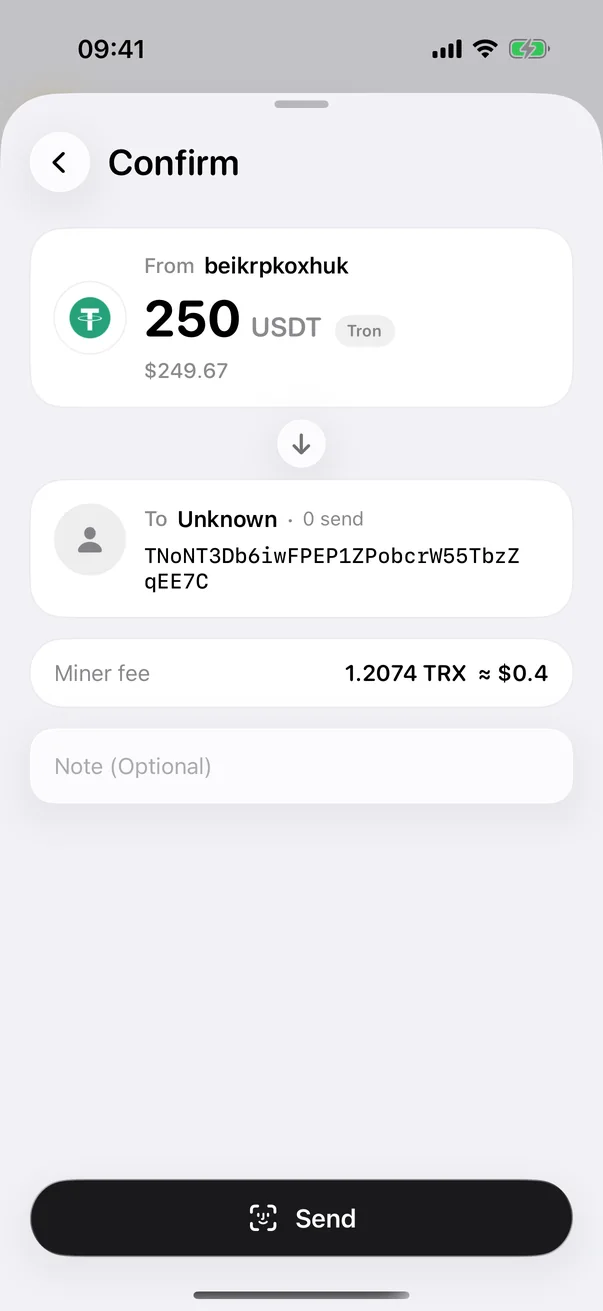
Confirm transactions with Face ID or fingerprint, or with your wallet password.
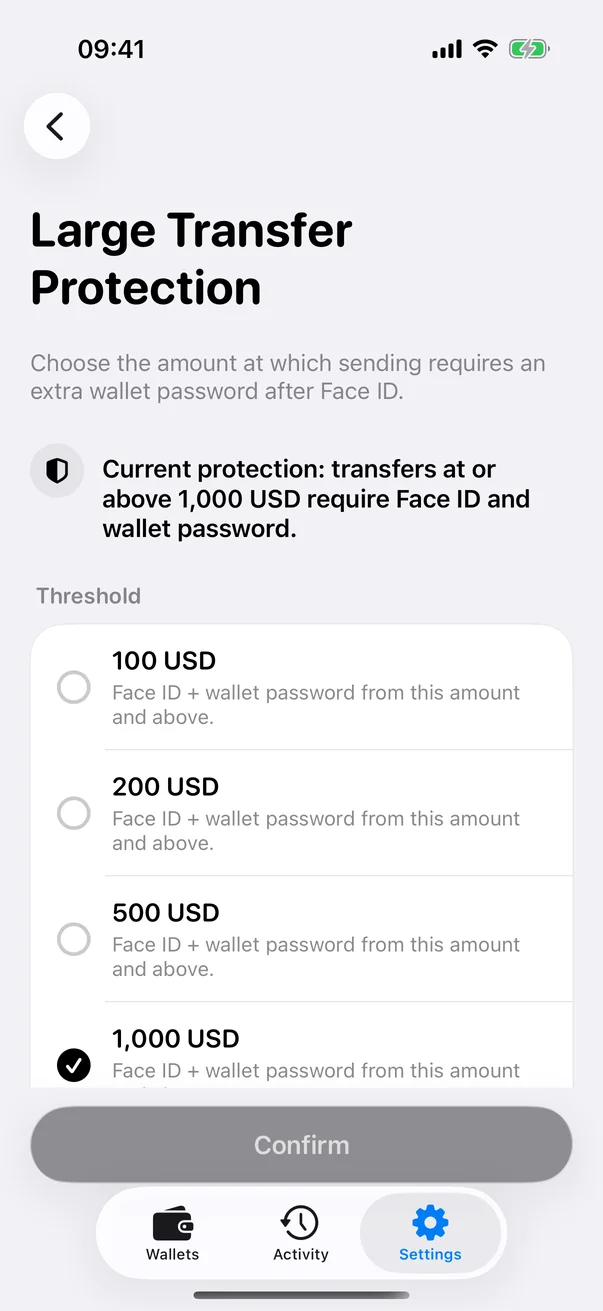
Large transfer protection
Pick an amount above which sending needs your wallet password as well as Face ID or fingerprint.
Encrypted iCloud backup
Your phrase is encrypted before it reaches iCloud Keychain. Restoring needs both your Apple ID and your wallet password.
Address book
Save the addresses you trust, and send without retyping them.
Transaction history
Clear records for every network, with status and confirmations.
Wallet ID
A short, shareable name so friends can send to you without copying long addresses.
Hot for every day. Cold for savings.
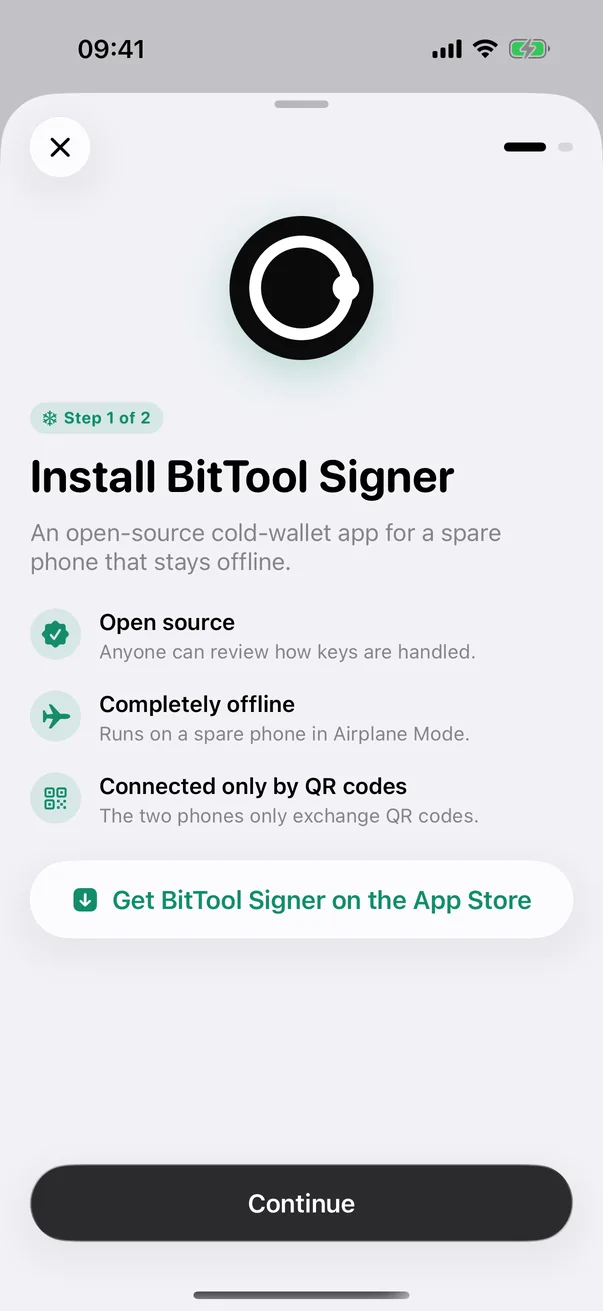
Keep your keys on this phone for convenience, or pair BitTool Signer so they stay on a phone that never goes online. Use both side by side.
Hot wallet
Quick to set up. Keys stay encrypted on this phone and are protected by Face ID or fingerprint.
Cold wallet with BitTool Signer
Keys stay on a separate offline phone. This app tracks balances and broadcasts; every signature happens offline.
About BitTool Signer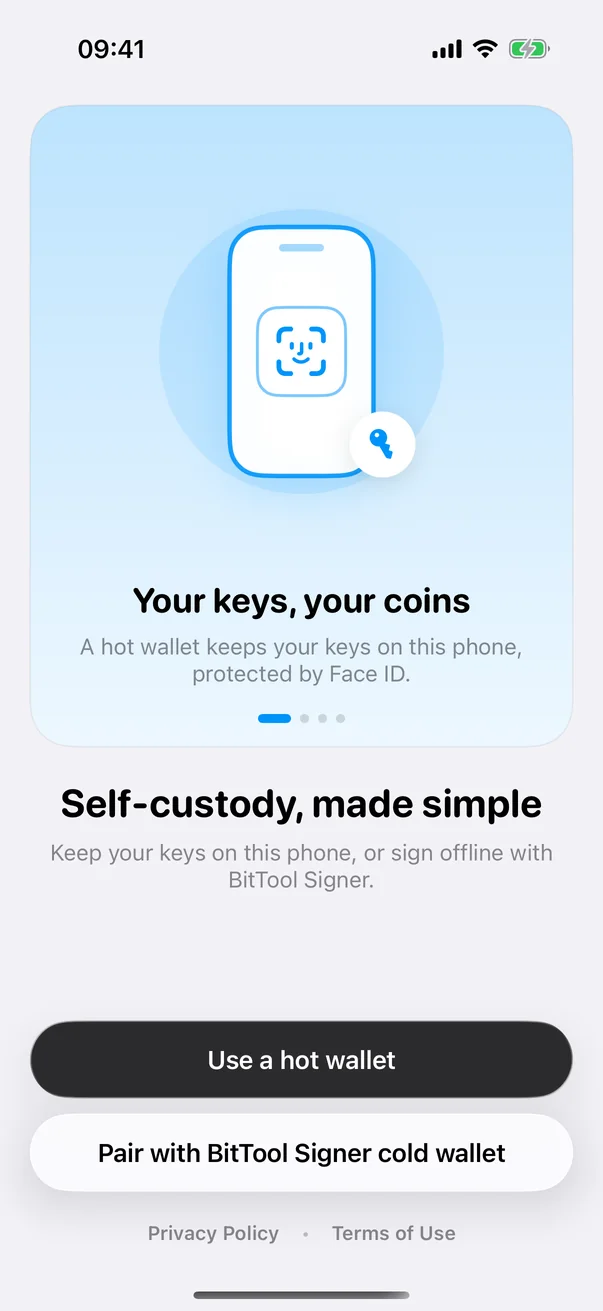
Clean, calm and focused.
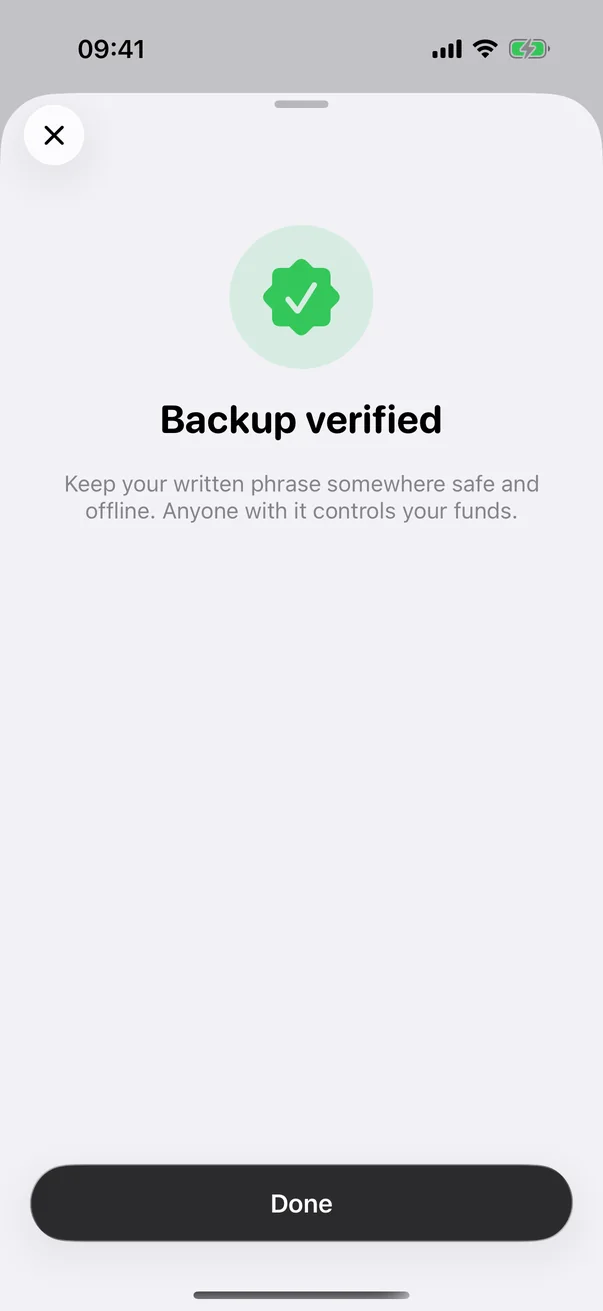
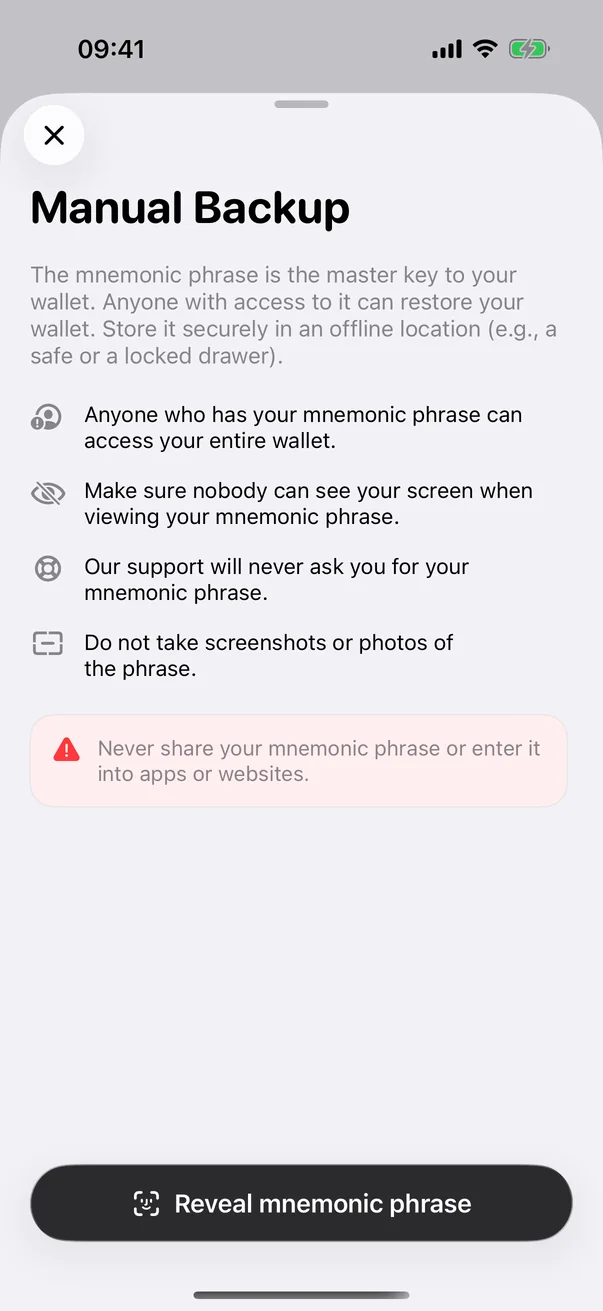
Your recovery phrase is your master key.
BitTool Wallet is built so that only you ever hold it. That also means only you can protect it.
- Generated on your phoneYour recovery phrase is created on the device and shown only to you. Write it down and keep it offline.
- Lose it, lose accessNo one — including BitTool — can restore a lost phrase. Back it up before you deposit.
- You control your assetsWe can't see, freeze, move or recover your funds. There is no account to hack.
- Encryption happens on your deviceKeys are encrypted with your wallet password and unlocked with Face ID or fingerprint only when you need them.
- Privacy shieldWallet content is hidden when the app goes to the background, so nothing leaks into the app switcher.
Take full control of your crypto.
Download BitTool Wallet for iPhone or Android. It's free, and you can create your first wallet in under a minute.




Prefer the APK?
Download BitTool Wallet for Android directly from us: for a phone without Google Play, or to check the file before you install it.
Check both on a computer before installing: shasum -a 256 prints the file hash and apksigner verify --print-certs the certificate. Android installs an update only over a copy signed with the same certificate.
About BitTool Wallet
Does BitTool hold my funds?
No. BitTool Wallet is non-custodial: your keys are created and encrypted on your phone, and your funds stay on the blockchain under your control. We never store your recovery phrase, private keys or password.
Do I need an account?
No email, phone number or identity check is needed. You choose a Wallet ID — a short name friends can use to send to you — and you're ready.
How do I restore my wallet on a new phone?
Install BitTool Wallet, choose "Restore a wallet" and enter your recovery phrase. Your balances and history appear again because they live on the blockchain.
Can I use BitTool Wallet with BitTool Signer?
Yes. Choose "Pair with BitTool Signer cold wallet" and scan one QR code from BitTool Signer. Bitcoin, Ethereum and EVM networks, TRON and Solana are added together as a watch-only wallet, and every signature happens on your offline phone.
What are the fees?
The app is free. When you send, you pay the network fee to the blockchain; BitTool Wallet shows it before you confirm.
Is there an Android version?
Yes. BitTool Wallet for Android is on Google Play and can also be downloaded as an APK. It needs Android 8.0 or later.