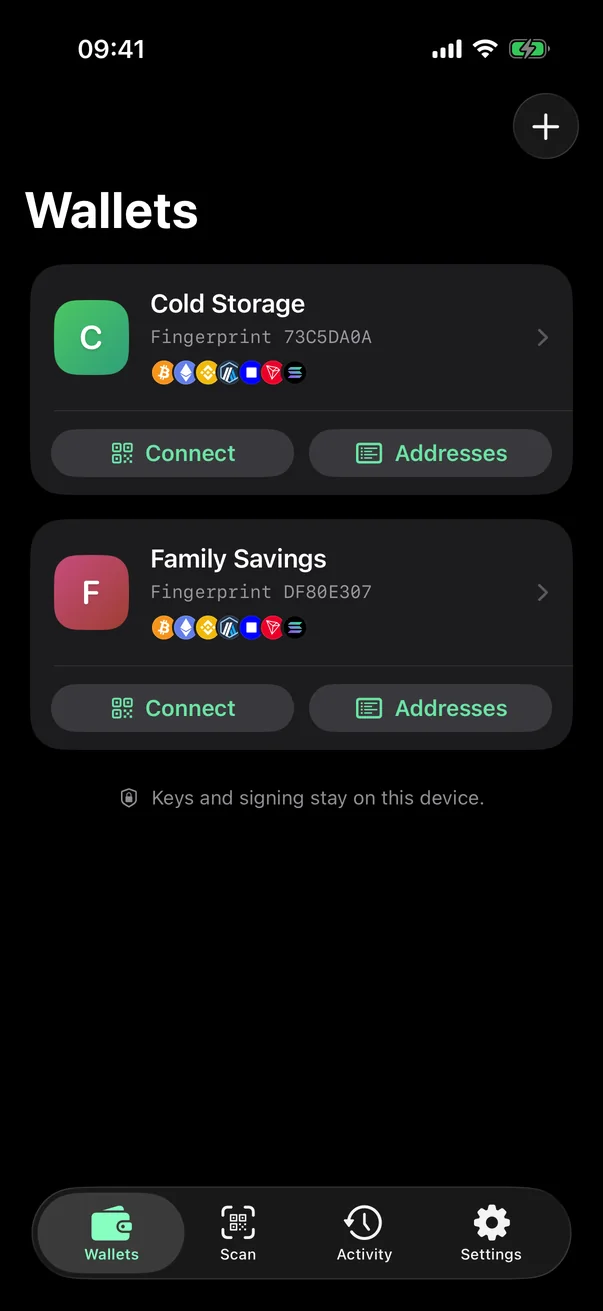
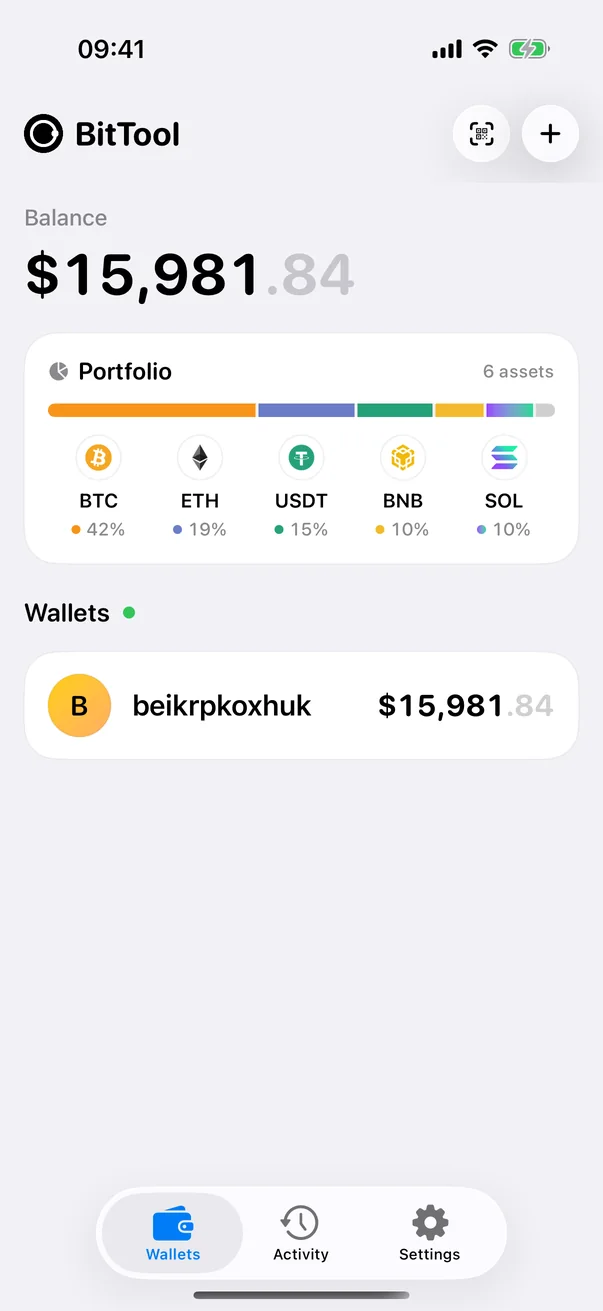
BitTool Wallet stays online to show balances and broadcast transactions. BitTool Signer stays offline and holds the keys. The two only ever talk through QR codes you can see.
01 BitTool Wallet
Prepare
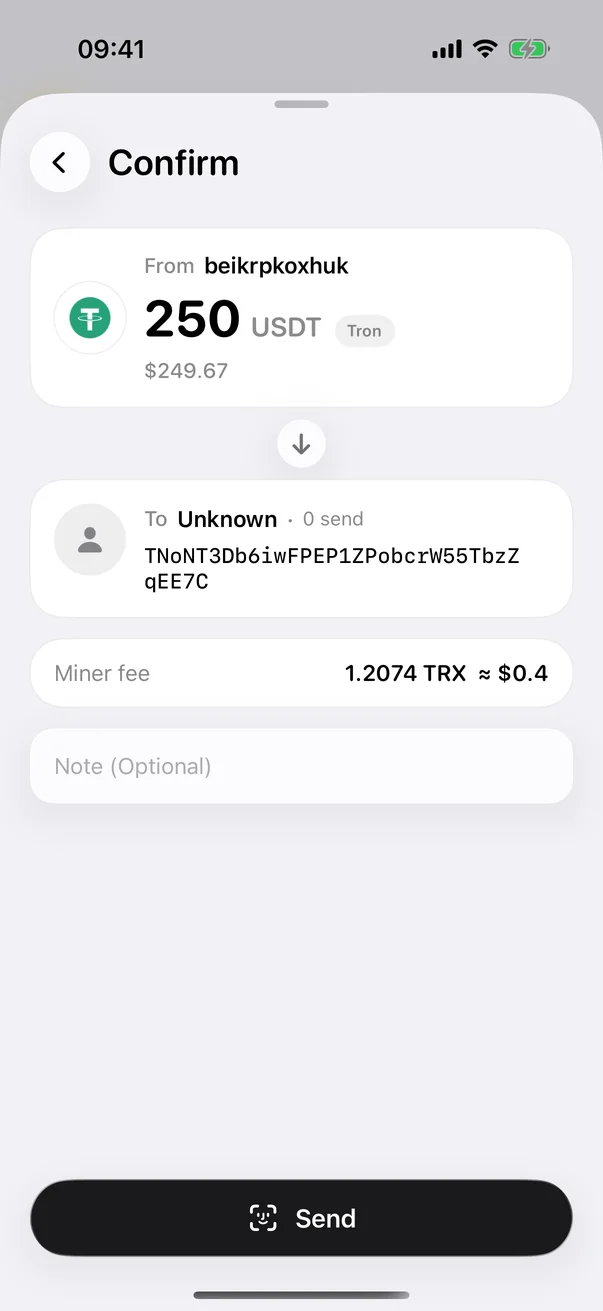
Create the transaction in BitTool Wallet. It appears as an unsigned request in a QR code.
02 BitTool Signer
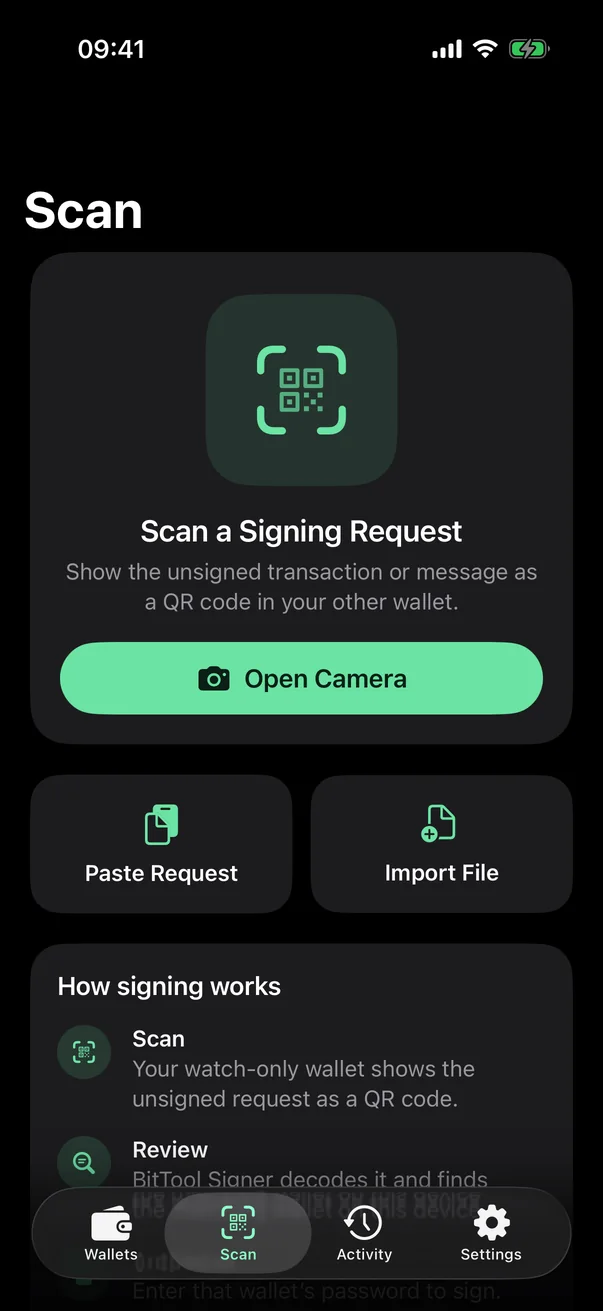
Scan
Scan it with BitTool Signer on your offline phone. Only the request goes in.
03 BitTool Signer
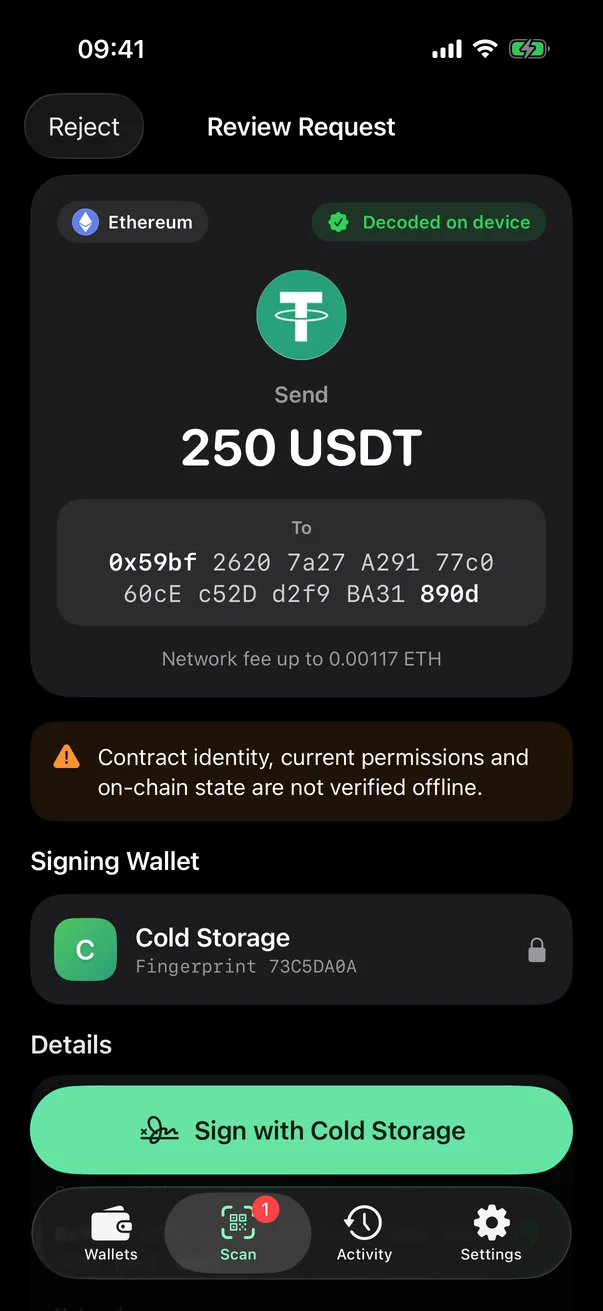
Review & sign
Check the decoded amount, recipient and fee, then approve with that wallet's password.
04 BitTool Wallet
Broadcast
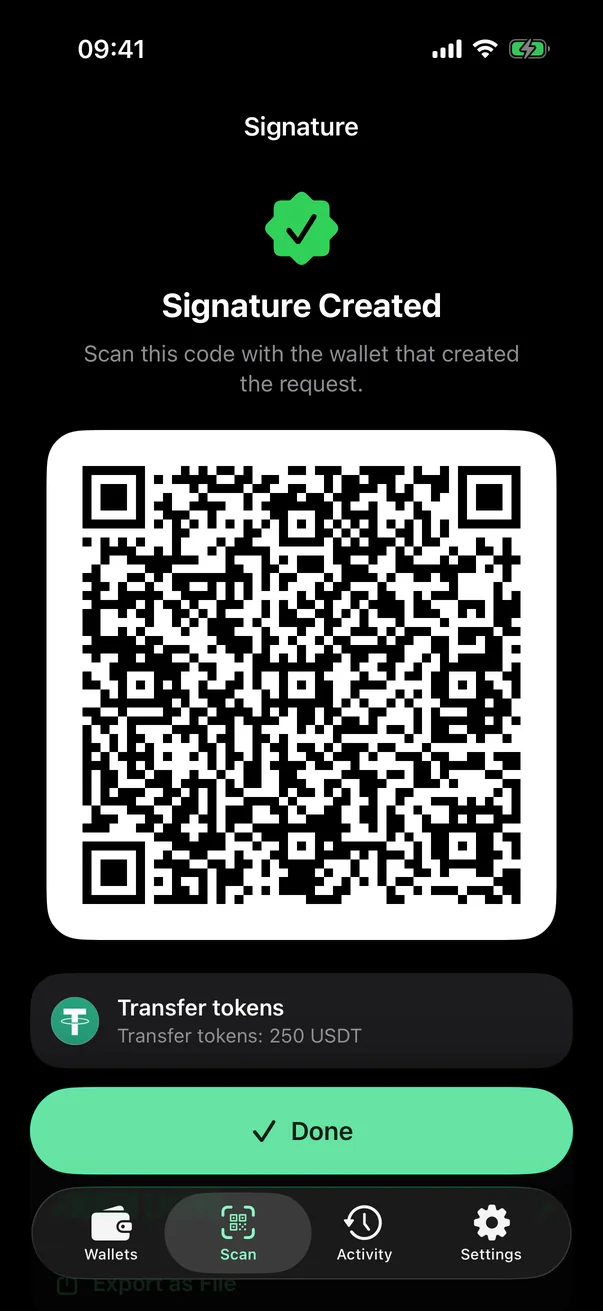
Scan the signature back. BitTool Wallet verifies it and sends it to the network.
Private keys never cross the air gap — only public keys and signatures do.
Security
Security you can check, not just trust.
Every design decision starts from the same assumption: anything that can be kept off a server should be.
Non-custodial
We never hold your keys, your recovery phrase or your funds. No one can freeze, move or recover them except you.
Encrypted on device
Recovery phrases are encrypted on your phone and unlocked only with your password, Face ID or fingerprint. They never reach our servers.
Know what you sign
Requests are decoded into amounts, recipients and approvals, with plain-language warnings before anything risky.
Open source
BitTool Signer's code is public. Anyone can read what happens to a recovery phrase — and rebuild the app to compare.
No accounts, no tracking
No sign-up, no email, no identity checks. BitTool Signer contains no networking code at all.
Private by default
Sensitive screens are hidden in the app switcher, and recovery phrases stay concealed until you choose to reveal them.
New in version 1.1.0
Wallet identity signature v2
BitTool Wallet and BitTool Signer 1.1.0 identify every wallet with a cryptographic signature, made on your phone from the wallet's own keys.
What's the difference between BitTool Wallet and BitTool Signer?
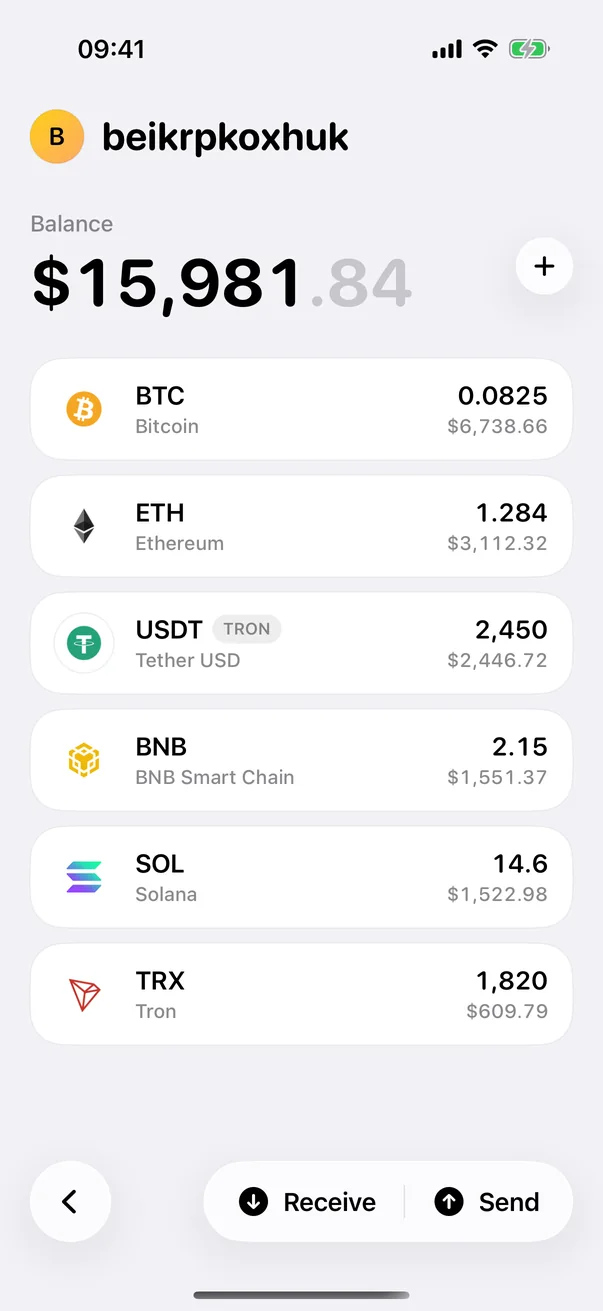
BitTool Wallet is online: it shows balances, builds transactions and broadcasts them. It can keep keys itself (a hot wallet) or act as a watch-only companion. BitTool Signer is offline: it holds keys, never connects to anything, and only produces signatures that you carry back by QR code.
Do I need both apps?
No. BitTool Wallet works on its own. Add BitTool Signer when you want your keys on a separate offline phone — a good fit for savings and larger amounts.
Can BitTool recover my wallet if I lose my phone?
Only your recovery phrase can. We never have a copy of it. Write it down, keep it somewhere safe and private — anyone who has it can take your funds.
Does BitTool cost anything?
Both apps are free to download. Network fees are paid to the blockchain, not to us.
Is there an Android version?
Yes, both apps. BitTool Wallet and BitTool Signer for Android are on Google Play (Wallet, Signer), and each can also be downloaded as an APK you can verify: BitTool Wallet, BitTool Signer.
How do I contact support?
Email support@bittool.com. We will never ask for your recovery phrase, password or private keys — anyone who does is not BitTool.


 Bitcoin
 Ethereum
 BNB Chain
 Arbitrum
 Base
 TRON
 Solana